Certified Pop Music Producer Program
If you're a passionate songwriter or producer ready to level up, it’s time to ditch GarageBand and start creating tracks that actually sound radio-ready. Whether you’re starting from scratch or have some experience but need to tighten up your workflow, our 120-hour Music Producer Program in Logic Pro is built to get real results—with hands-on learning and practical mentoring every step of the way.
This isn’t just another course. You’ll work one-on-one for six hours of personal mentoring with an expert of your choice from our top-tier roster—including Apple-certified T3 trainers—in our professional studio. It’s about your music, your goals, and your sound.
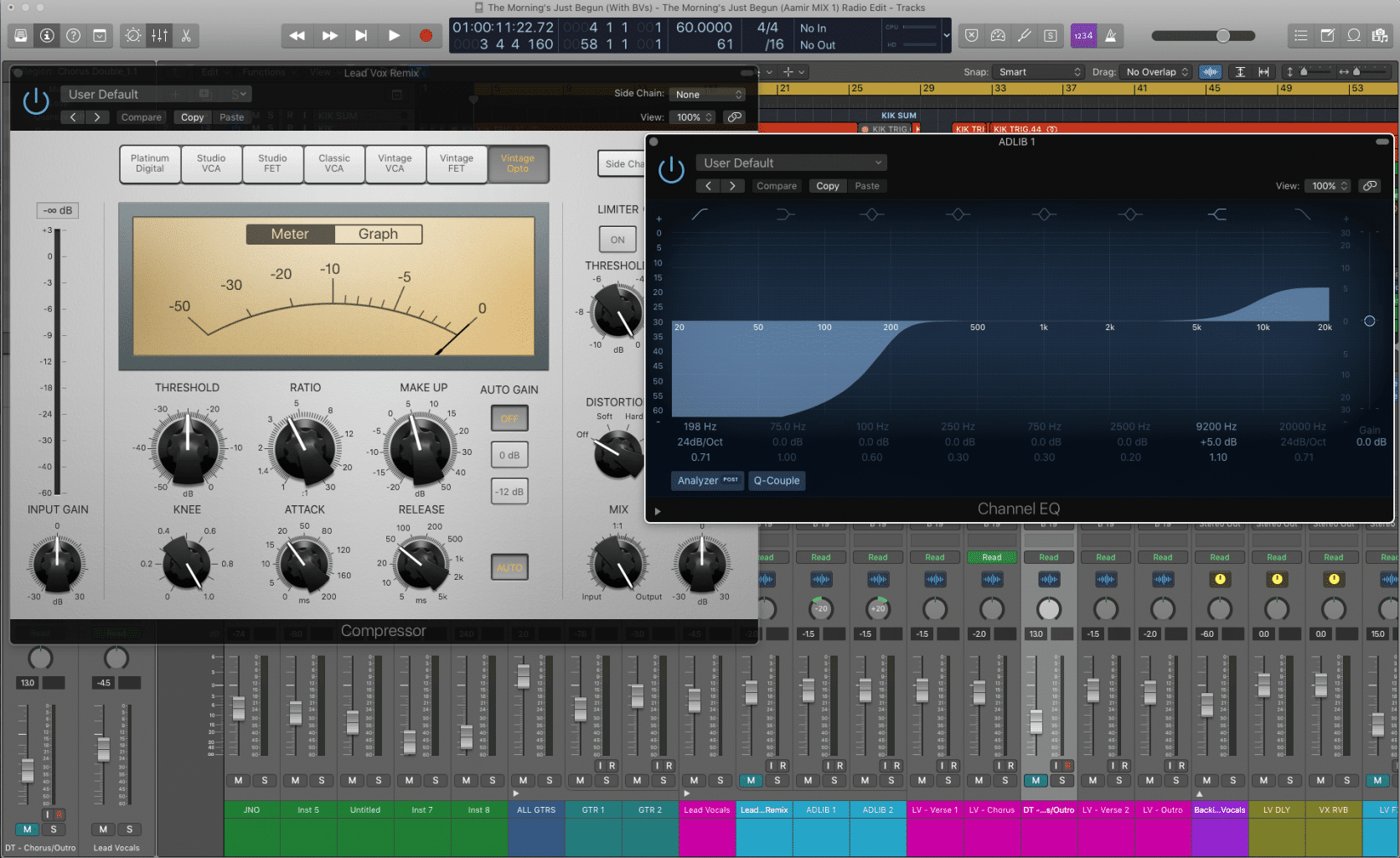
You’ll master Logic Pro (yes, the full, pro version), plus all the amazing built-in instruments, effects, and add-ons. We’ll show you how to use every tool with purpose and efficiency, so you can produce top-quality tracks in the genre you love.
Small classes, big results. We keep our class sizes intentionally small to create a relaxed, focused learning environment surrounded by like-minded creatives. Producing music should feel exciting—not overwhelming.
Serious perks for serious producers: Thanks to our exclusive licensing deals, you’ll get access to premium synths, effects, and samples worth thousands of dollars—some yours to keep, others free while you learn, with massive discounts if you choose to upgrade later.
Oh, and did we mention we have our own boutique sample label? Garnish students get full access to our exclusive packs—most of them created by our own instructors—including one you won’t find anywhere else: individually recorded samples from Mark Ronson’s Mellotron M4000D, captured by our label chief Zack Johnson right in Mark’s Hollywood studio. Massive thanks to Zack and Mark!
Frequently asked questions.
Ready to get started?
Enroll nowWhy choose Garnish?
Related reading.
Logic Pro Workflow Tips (Part II)
More Logic Pro workflow: Strip Silence, note labels in the Piano Roll, the fade click zone, and linking track and region selection together.
Read →Logic Pro - Play, Record, Repeat
Transport shortcuts every Logic Pro user should know - Solo tool, Play From Selection, Go to Position, Record Repeat and discarding a bad take.
Read →Logic Pro - Naming Tracks & Coloring Them
Keep Logic Pro sessions you can come back to: renaming tracks and regions with key commands, and colour-coding them into a system that scales.
Read →Logic Pro - 5 Things You Can Do To Save CPU (Part II)
Five more ways to cut CPU load in Logic Pro - display settings, background apps, I/O buffer size, processing threads and bus sends.
Read →Quantizing Multi-Track Drums in Logic Pro
Use Flex Time to quantize several audio tracks at once in Logic Pro - tighten a drum kit, lock bass to drums, and clean up sloppy takes.
Read →Navigation Basics for Logic Pro
A ground-up tour of the Logic Pro control bar - the Library, Inspector, Smart Controls, Mixer and Editors - with a demo project to practise on.
Read →